What it is
A place to turn saved ideas into an editable travel plan. Keep places in Place Lists, schedule them in a Timeline, bring in reservations, and coordinate with companions.
dani.go helps you save places you want to visit, build a day-by-day itinerary, and keep reservations and trip details together.
Plan on your own or with the people going with you.
 Meet Dani, your in-app guide
Open web app
Meet Dani, your in-app guide
Open web app
Use it on desktop today.
iOS & Android apps coming soon.
A place to turn saved ideas into an editable travel plan. Keep places in Place Lists, schedule them in a Timeline, bring in reservations, and coordinate with companions.
It isn’t a booking agency or an itinerary that makes every decision for you. You book with travel providers. Dani helps organize the details; you review imported information and choose what goes into your plan.
Three things you can do in dani.go. These are real app screens, showing the mobile interface ahead of launch.
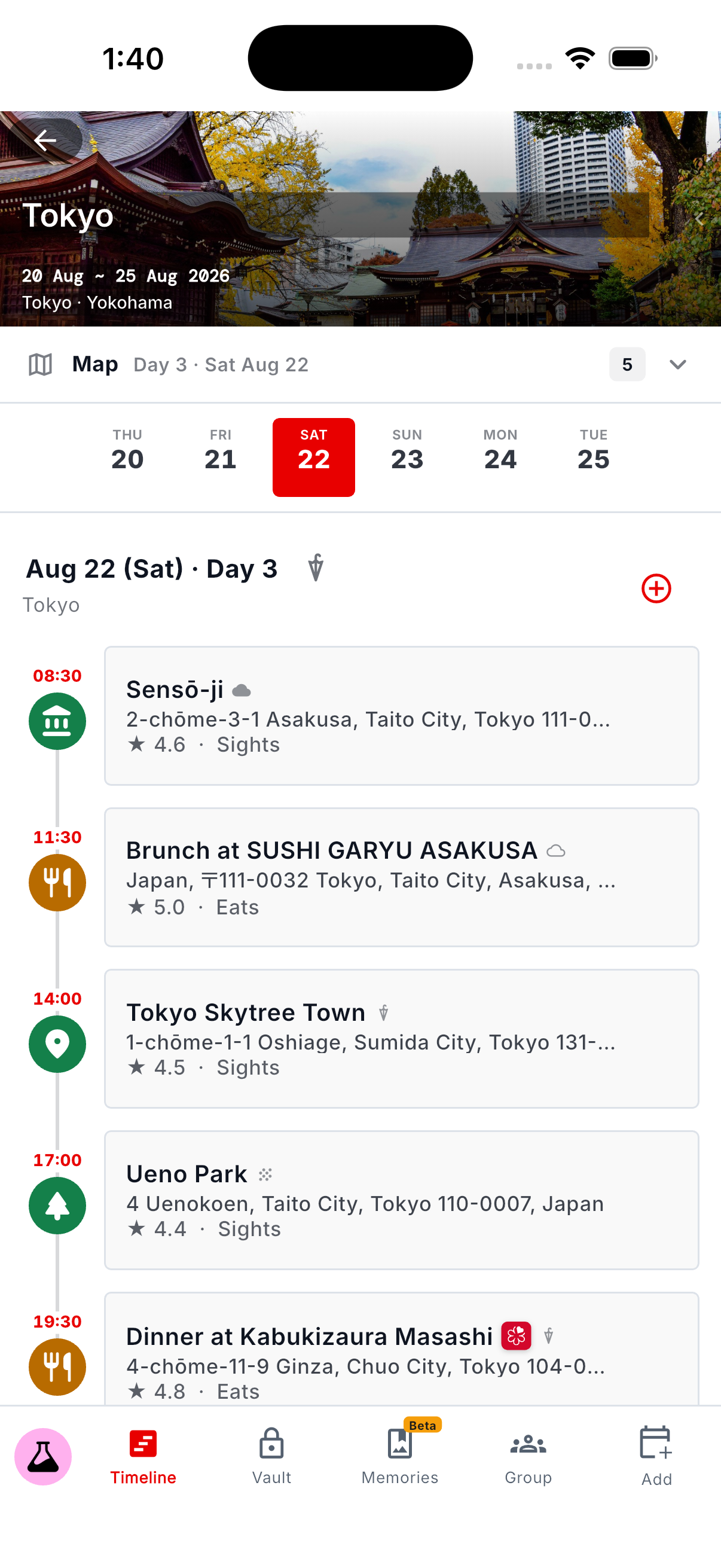
Save places to a Place List, then open it inside your trip to start planning.
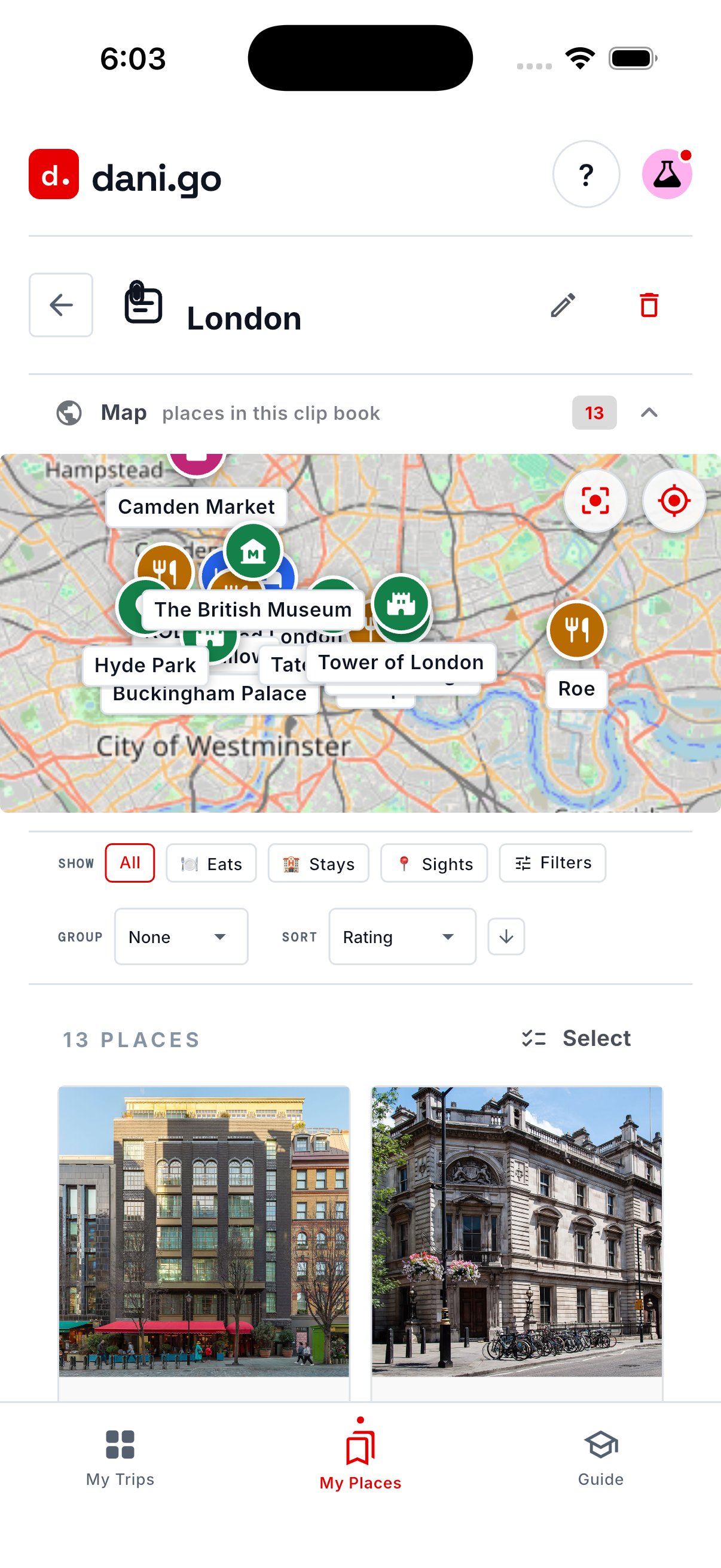
A London Place List, ready to use in a trip.
Organize stays, meals, and activities in a day-by-day schedule you can change.
Day 3: temple in the morning, dinner at night.
Import text, PDFs, or screenshots. Review the places, dates, and times before adding them.
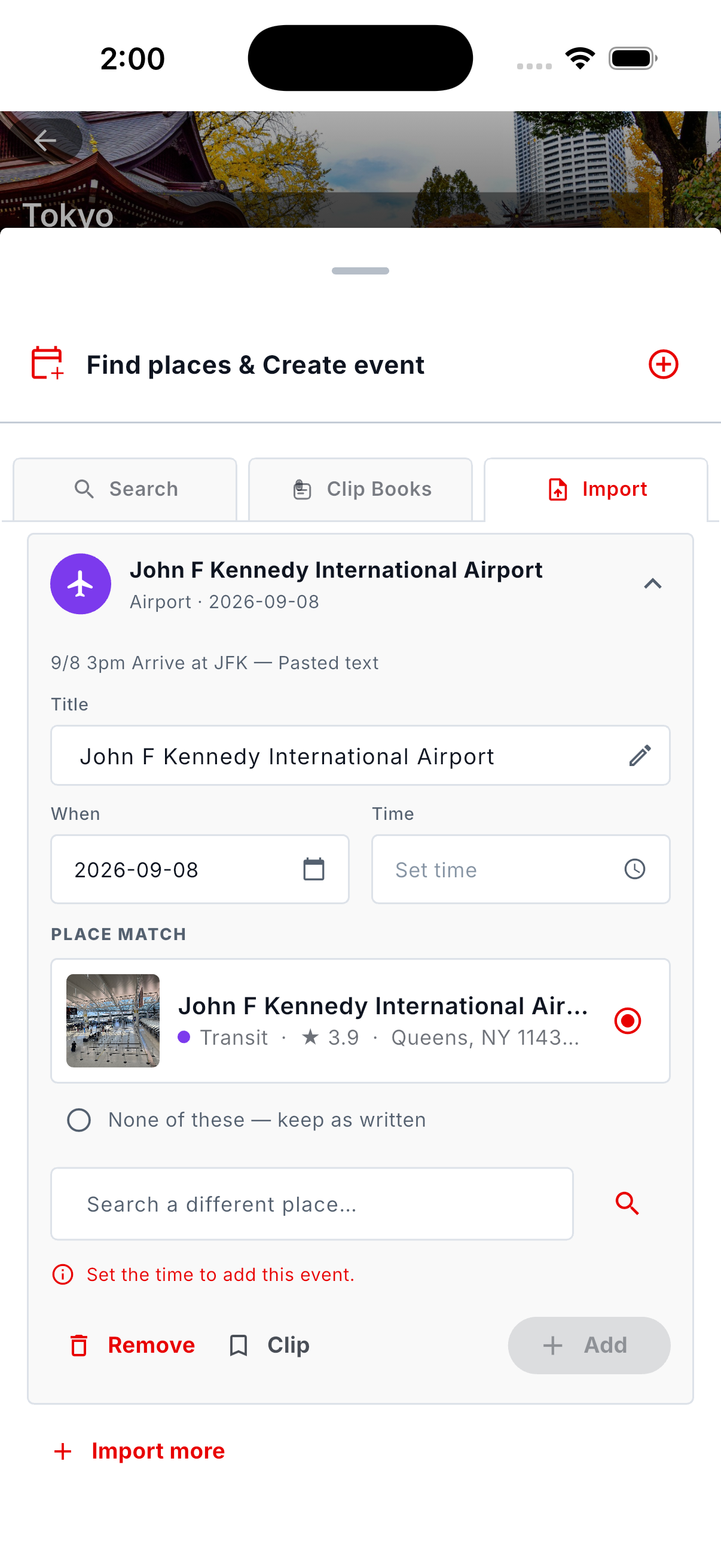
Imported details remain editable for your review.
Actual mobile app captures from the Dani Guide. Screens shown as details; mobile apps are not launched yet.
Explore the features ↗Upload a confirmation, PDF, or screenshot. Review the details Dani finds, then add them to your Timeline.
Reservations, expenses, packing lists, documents, and receipts. Keep the small things from becoming the big things.
Invite your travel companions. Edit the plan together, vote on the options, and keep the conversation with the trip.
A little help turning “how do I do this?” into your next step.
Dani introduces the tools inside your travel app. Follow short walkthroughs to learn how to collect places, build an itinerary, and bring your bookings into the plan.
See what you can do in the app ↗Learn the difference between Place Sources and Place Lists, and organize the places you want to visit.
Get familiar with the Timeline: choose a day, add a place, and adjust the details of your itinerary.
Learn to review imported reservations and find your packing lists, documents, and trip essentials in the Vault.
Open dani.go and look for the ? Guide button. The walkthroughs explain the app’s features while you explore.
You choose the places and make the decisions. Dani helps you learn the tools.You can use the web app on your desktop at dani-go.com. The iOS and Android mobile apps are not launched yet. We’ll update this site when they become available.
No. My Places works before you choose a destination or date. Search for places, save videos and articles as Place Sources, and organize your favorites into Place Lists. Add them to a trip when you’re ready.
Place Sources hold the inspiration you add, such as travel videos and web articles, along with the places Dani finds in them. A Place List is your own list of places, grouped by trip, theme, or whatever makes sense to you.
Desktop web available now
iOS & Android apps coming soon